
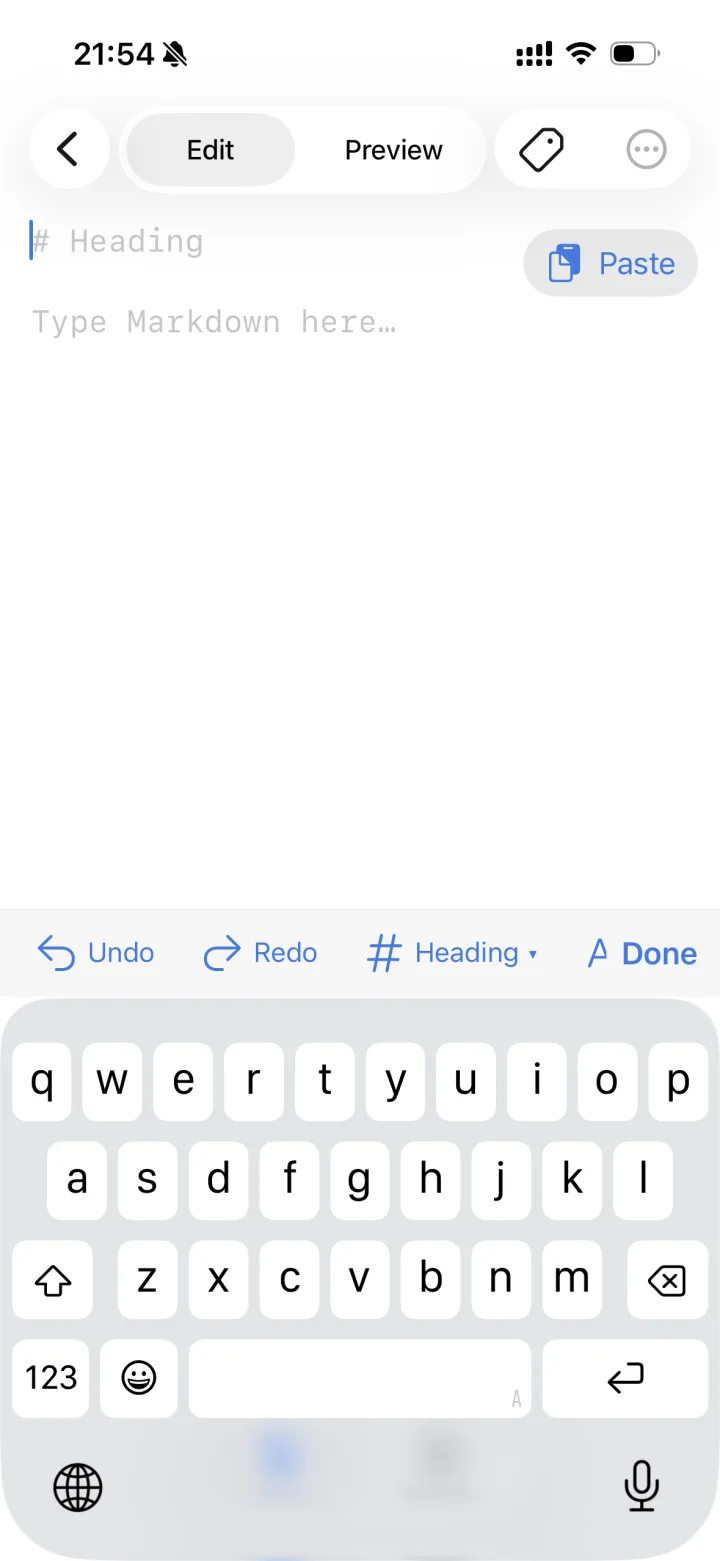
Write it, paste it,
see it beautiful.
Write quickly in Markdown and see a beautiful preview at a glance. Markdown from AI reads just as it should — nothing breaks.


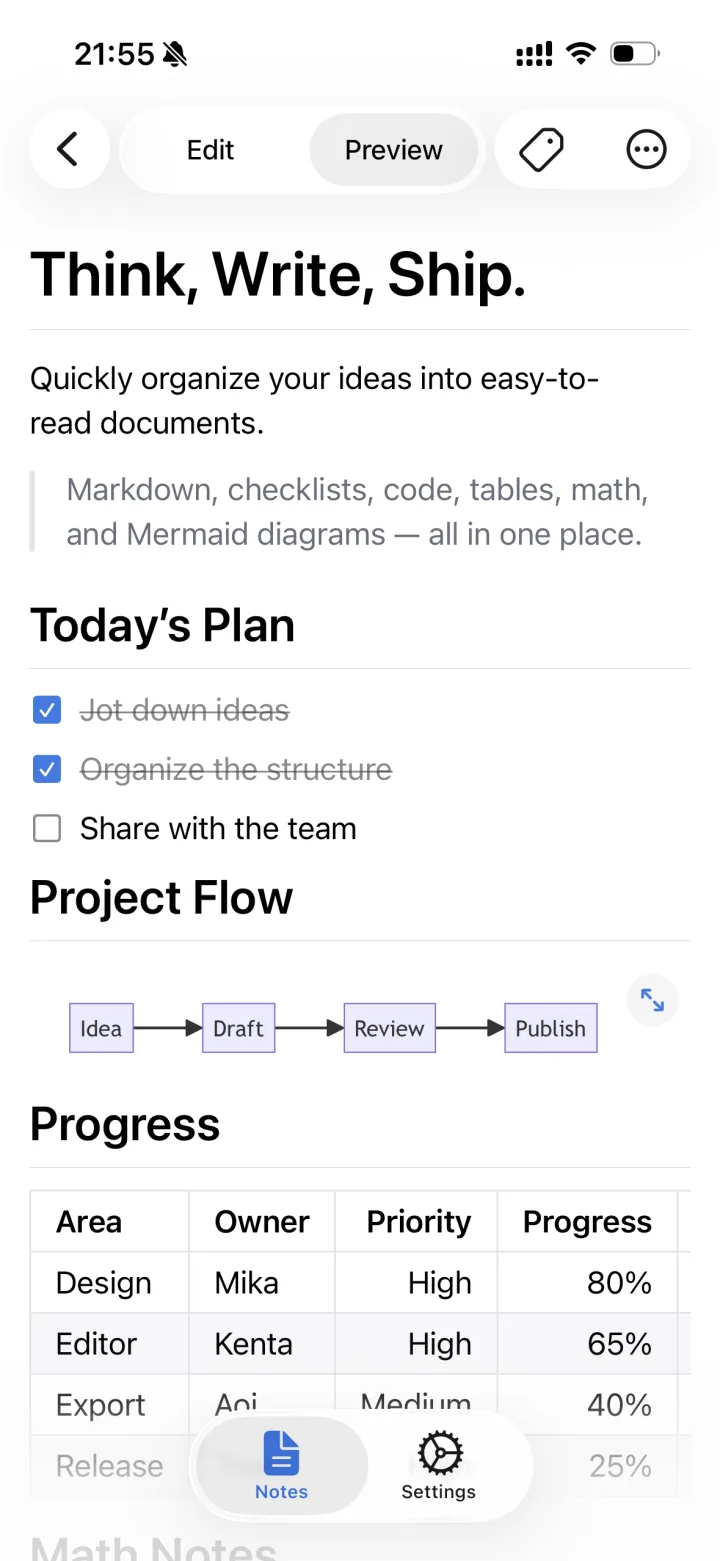
Paste it, and it's
ready to read.
Paste Markdown from an AI and headings, lists, tables and diagrams all display beautifully. Switch between editing and preview in one tap, and read comfortably even on a phone.
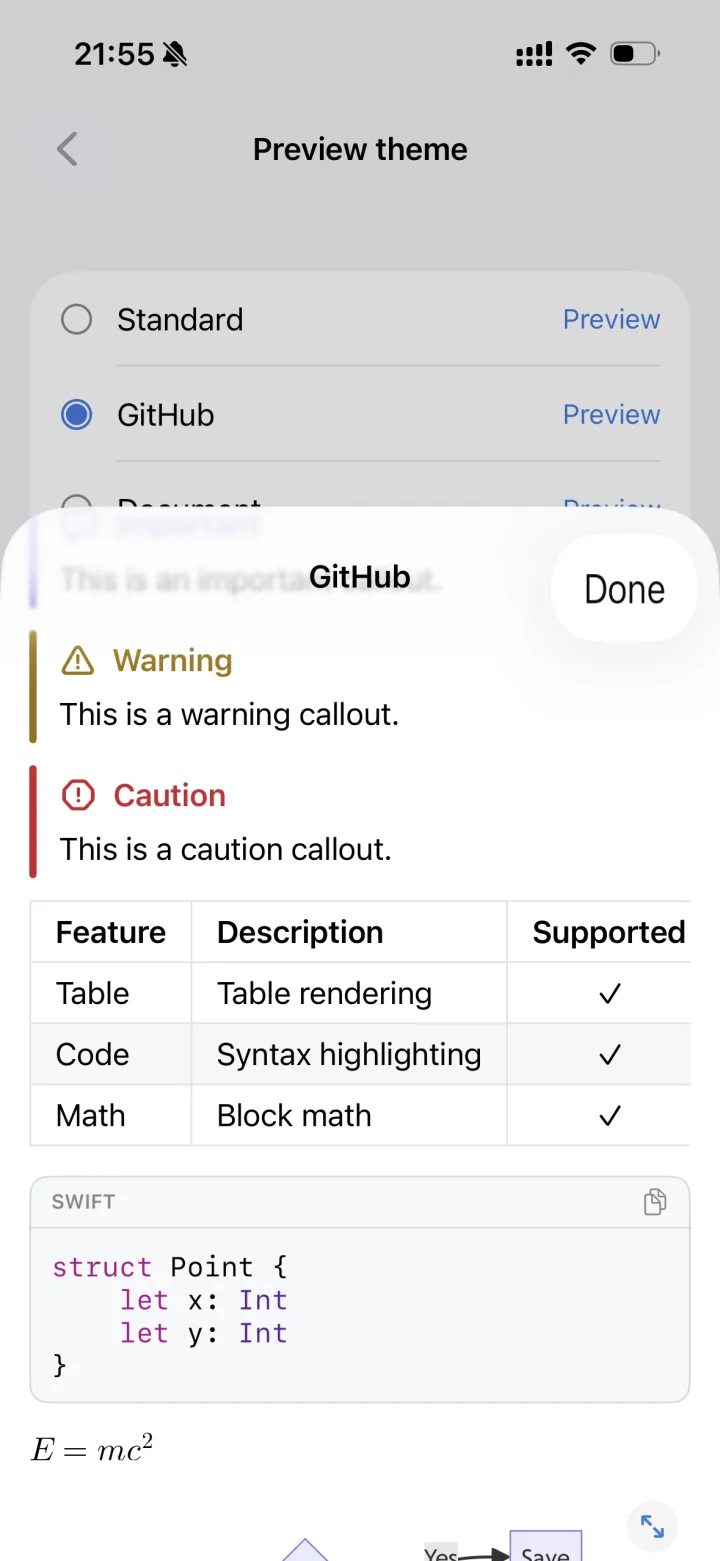
Make it look
the way you like.
Three preview themes. Check the real rendering as you choose the look that's easiest to read.
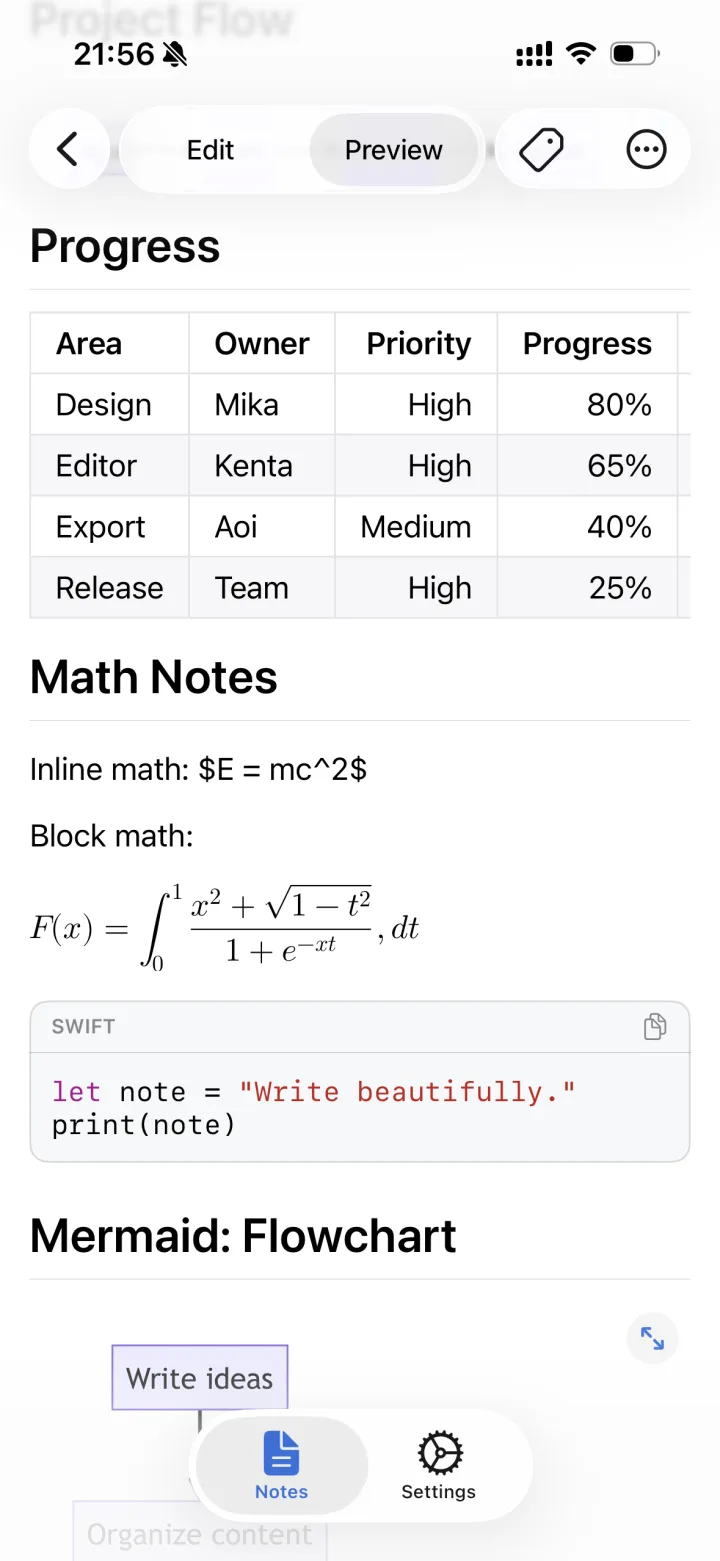
Tables, math,
and code too.
Code blocks come with syntax highlighting and a copy button. Tables, checklists, quotes, callouts and block math all render without breaking.
- Code highlighting
- with copy
- Tables
- GFM
- Checklists
- - [x]
- Block math
- $$ … $$
- Callouts
- [!NOTE]
- Collapsible
- <details>
- Quotes
- >
- Highlight
- ==text==
Mermaid diagrams,
in your hand.
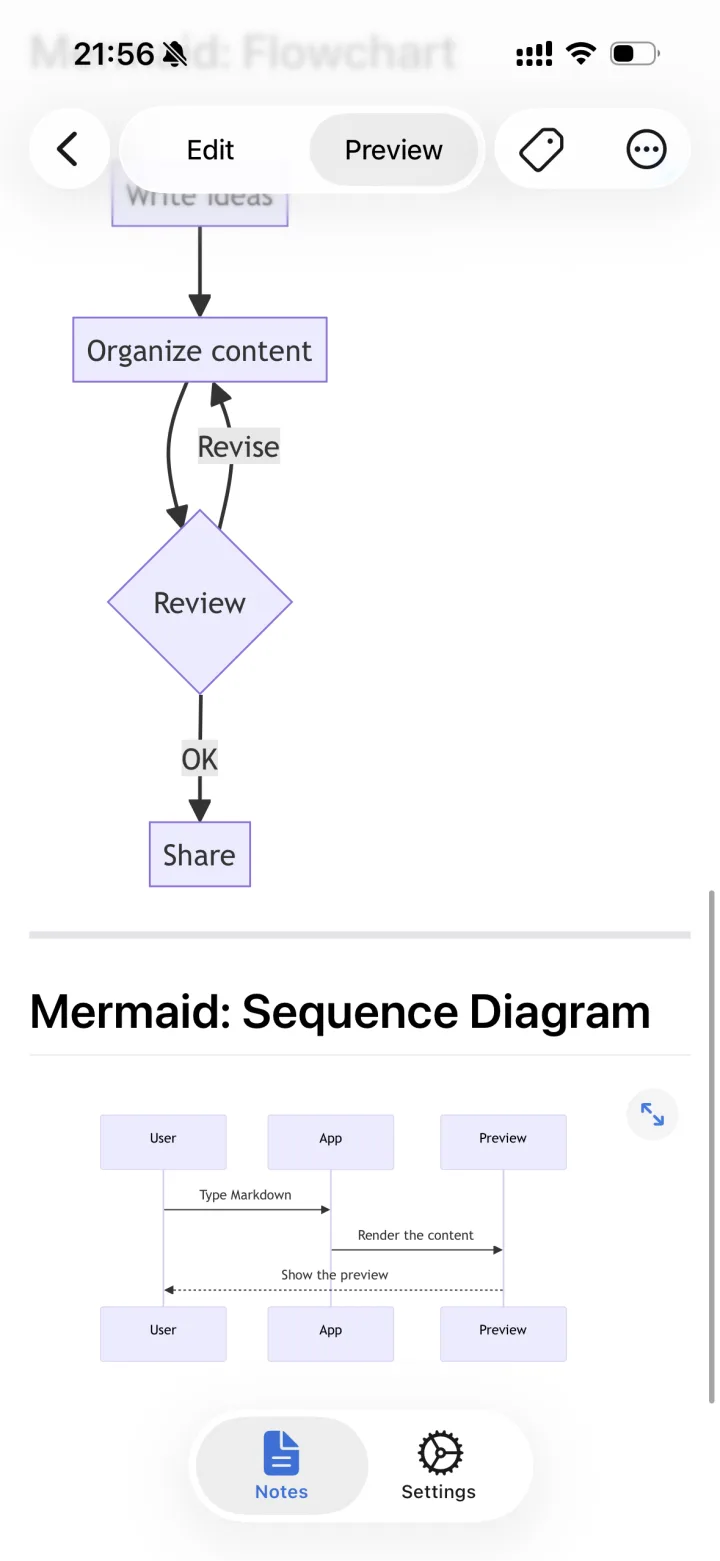
Flowcharts and sequence diagrams render right in the app. Tap to zoom and scroll, and check every corner of a diagram on your phone alone.
```mermaid
flowchart TD
  A[Organize content] --> B{Review}
  B -- Revise --> A
  B -- OK --> C[Share]
```
Frequently asked questions
How much does it cost?
It's a paid app with a one-time purchase — no subscription, no ads. See the App Store or Google Play page for the price in your country.
Do I need an account?
No. Install it and start writing right away.
Does it work offline?
Yes. Code highlighting, math and Mermaid diagrams are all rendered inside the app, so it works without a connection.
Where is what I write stored?
Only on your device. There's no cloud sync, and nothing is sent anywhere else, including to the developer.
Can I share my documents?
Yes — as text or as a .md file, via AirDrop, email or other apps.
Can I paste answers from an AI chat as they are?
Yes. Headings, tables, code, math and diagrams in AI-generated Markdown display without breaking.
Is it available on Android?
Yes, it's on Google Play. It runs on iPhone with iOS 17 or later and on Android 8.0 or later, in 19 languages.
Make writing
feel even better.
No account needed. Share as text or as a .md file.